Toddler App Transition: From Baby TV to Educational Screens
Learn how to transition your toddler from passive baby TV viewing to engaging educational apps. Discover signs of readiness and tips for balanced screen time.
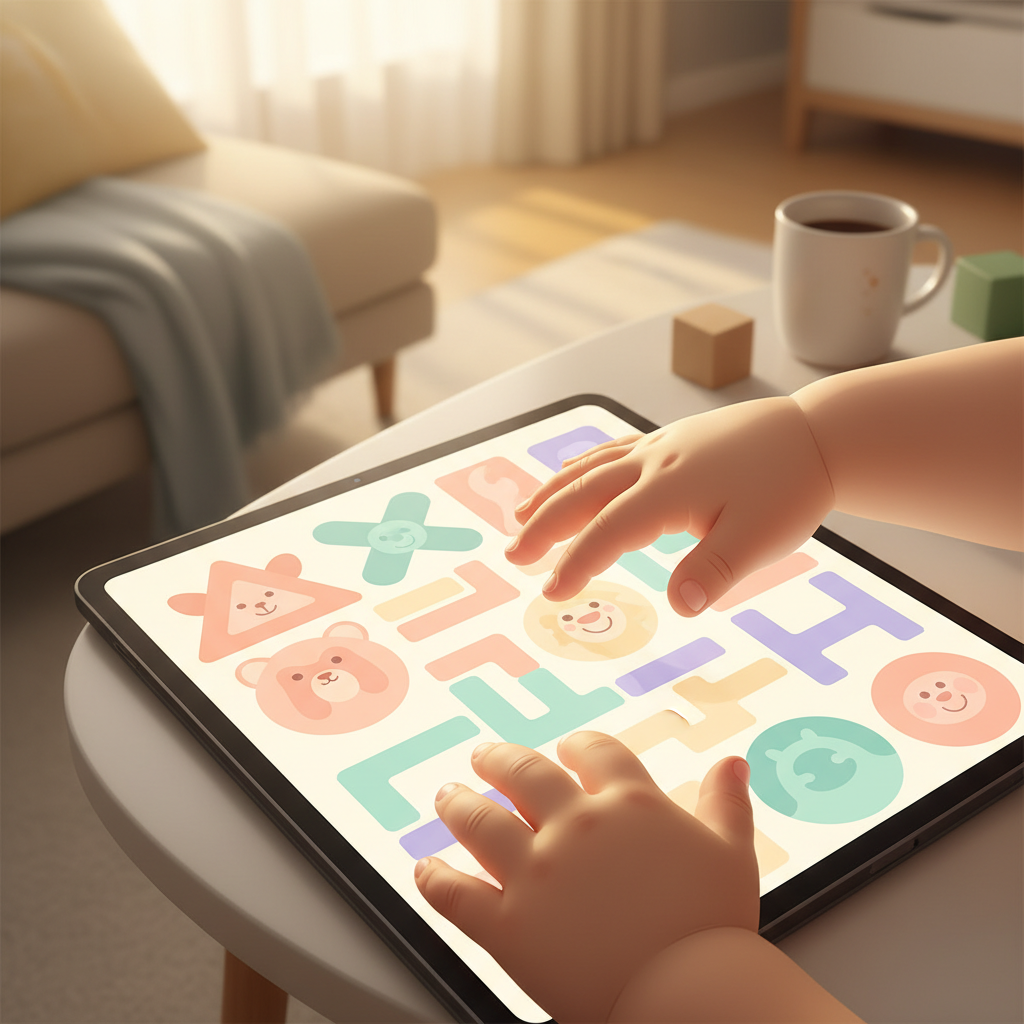
From Passive Screens to Playful Learning: Helping Your Toddler Transition to Educational Apps
Before you reach for another swipe and tap, take a quiet moment to simply watch your little one. What are they drawn to? What sparks that flicker of genuine curiosity in their eyes? This gentle observation is the first step in understanding how to transition your toddler from baby TV to educational apps, shifting from passive viewing to more engaged, developmentally rich screen experiences. It's not about eliminating screens entirely, but about mindfully choosing how and what our children interact with, especially during these crucial early years. The goal is to move towards tools that foster genuine learning and connection, rather than simply filling time.
Why This Shift Matters: Moving Beyond Baby TV
We’ve all been there – a moment of needing quiet, a difficult chore, or just a few minutes to collect ourselves. Baby TV, with its bright colors and catchy tunes, can seem like an easy solution. However, what does this passive consumption offer a developing mind?
The Difference Between Watching and Doing
Baby TV, by its very nature, is largely a one-way street. The child receives constant sensory input without needing to actively participate or think. This is passive screen time. In contrast, well-designed educational apps for toddlers invite interaction. They require the child to make choices, solve simple problems, and engage their minds in a more active way.
This distinction is crucial for early development. While passive viewing might hold a child’s attention for a while, it doesn't actively build the cognitive pathways that lead to problem-solving, critical thinking, or creativity. Interactive screen time, when used thoughtfully, can begin to lay these foundations.
Nurturing Growth with Interactive Screens
The shift from baby TV to educational apps is about leveraging technology as a tool for development. Research suggests that interactive screen time, focused on age-appropriate learning, can support cognitive growth.
- Language Development: Apps that encourage naming objects, repeating sounds, or following simple instructions can boost vocabulary.
- Early Math Skills: Activities involving sorting, counting, or recognizing patterns can introduce foundational mathematical concepts.
- Problem-Solving: Puzzles, matching games, and sequences require the child to think and strategize.
- Fine Motor Skills: Tapping, dragging, and tracing motions can help refine dexterity.
When we choose educational apps, we are offering our children opportunities to learn through play, even on a screen, rather than just passively absorbing entertainment. This is a significant step in their learning journey.
Listening to Your Child: Signs of Readiness
How do you know if your toddler is ready for a shift away from Baby TV? It's about observing their cues, both for signs that the current routine isn't serving them well, and for indicators that they’re reaching for something more.
When Baby TV Becomes Too Much
Sometimes, the signs that a child is overstimulated or not truly benefiting from certain programming are subtle.
- Increased Fussiness After Viewing: Does the child seem more irritable, agitated, or have difficulty settling down after watching Baby TV?
- Brief Attention Spans During Other Activities: If they struggle to engage with toys or books for even short periods, it might indicate a reliance on constant, high-intensity stimulation.
- Lack of Engagement with the Content: Are they watching, or are they simply staring blankly at the screen, not responding to characters or stories? This suggests the content isn't truly holding their interest or prompting thought.
- Difficulty Transitioning Away: Do they exhibit strong resistance or tantrums when the TV is turned off? This can be a sign of over-reliance.
These are moments to pause and re-evaluate the role of passive screen time in your child’s day.
Reaching for More: The Pull Towards Interaction
On the flip side, you might see your child naturally moving towards more engaging activities, hinting at their readiness for a different kind of screen experience.
- Experimenting with Objects: They might be turning things over, trying to fit shapes together, or manipulating toys in more complex ways.
- Mimicking Actions: Toddlers are natural imitators. They might be trying to "read" a book, "talk" on a pretend phone, or mimic actions they've seen you do.
- Showing Interest in Buttons/Screens: Their curiosity might be piqued by interactive devices, a desire to touch and explore what happens when they press something.
- Asking "What's This?": A surge in questions indicates a burgeoning desire to understand and learn about their world.
These are positive indicators that your child is ready to explore interactive learning opportunities.
The Gentle Unplugging: A Slow and Steady Approach
Transitioning from Baby TV isn't an overnight switch. It’s a gradual process, much like weaning from a pacifier or introducing new foods. The key is to be patient and consistent, allowing your child to adapt without feeling deprived. This approach helps foster a positive relationship with new routines.
Gently Reducing Baby TV Time
Start by making small, manageable changes to the existing Baby TV routine.
- Schedule It: Instead of having the TV on all day, designate specific, short times for viewing. Perhaps 15-20 minutes in the morning or afternoon.
- Lower the Volume: Gradually decrease the sound. Sometimes, the visual stimulation is more of a draw than the audio.
- Shift to More Interactive Content (within the TV realm): If possible, choose children’s programs that have a slight narrative or encourage simple participation, rather than purely music-based shows.
- Use it Strategically: Reserve screen time for specific, less demanding moments, rather than as a constant background presence.
- Offer Alternatives: Have engaging toys, books, or simple activities readily available for when screen time ends. The goal is to make offline play more appealing.
The objective here is to diminish reliance and create space for other types of engagement.
Introducing Focused App Sessions
When you do introduce educational apps, keep these early sessions short, sweet, and successful.
- Start Small: Aim for 5-10 minute sessions initially. It's better to end on a positive note while they're still engaged, rather than pushing too long and causing frustration.
- One App at a Time: Introduce one new app and let them explore it thoroughly before moving to another. This prevents overwhelm.
- Co-View and Participate: Sit with your child during these initial sessions. Guide their understanding, celebrate their successes, and model how to interact with the app. Your presence makes it feel like shared exploration.
- Focus on Engagement, Not Duration: The goal is for the child to be actively participating and enjoying the learning process, not just clocking screen minutes.
- End with Enthusiasm: When the session is over, transition to another activity with genuine excitement. "Wow, you did so great figuring out that puzzle! Now, shall we go build with blocks?"
This gradual introduction helps the child associate screen time with positive learning and interaction.
Selecting Apps That Teach and Delight
The world of educational apps for toddlers can be overwhelming. Choosing wisely ensures that screen time is truly beneficial and supports your child’s development, rather than just being another digital distraction.
Content Designed for Little Learners
Not all apps are created equal. Look for applications that are specifically designed with toddlers in mind.
- Age-Appropriate: Check the recommended age range. Apps designed for older children will be too complex and frustrating.
- Clear Learning Objectives: Does the app aim to teach specific skills like recognizing letters, counting, or basic shapes?
- No In-App Purchases or Ads: For this age group, it's essential to have a clean, uninterrupted experience. Be wary of apps that push for purchases or display intrusive advertisements.
When you prioritize content made for their developmental stage, you set the stage for success.
Building Foundational Skills
Educational apps can be powerful tools for introducing foundational academic and cognitive skills.
- Literacy: Look for apps that help with letter recognition, phonics, and early sight words.
- Numeracy: Apps that introduce counting, number recognition, and simple sequencing are excellent.
- Problem-Solving & Logic: Jigsaw puzzles, shape sorters, and matching games foster critical thinking.
- Creativity: Simple drawing or music-making apps can encourage imaginative expression.
Ensure the app encourages the child to think, not just to tap randomly.
Navigating for Tiny Hands
A beautifully designed app is useless if the child can't figure it out. Usability is paramount.
- Simple Interface: Large buttons, clear icons, and intuitive navigation are essential.
- Minimal Text: Toddlers are pre-readers, so the app should rely on visual cues and spoken instructions.
- Responsive Touch: The app should register touches accurately and without lag. Frustration with unresponsive controls can quickly derail a learning session.
An app that is easy for the child to manage empowers them and fosters independence.
Making the Digital Leap Fun and Meaningful
The transition to educational apps is an opportunity to engage more deeply with your child’s learning process. It's about making these moments interactive and ensuring that screen time remains a balanced part of a rich childhood.
Sharing the Experience Together
One of the most powerful ways to enhance screen time is simply by being present. Co-viewing transforms a solitary activity into a shared exploration.
- Talk About It: Ask your child about what they see and are doing. "What color is that shape?" "Can you find the cat?"
- Celebrate Successes: Offer verbal praise for accomplishments. "You matched all the pairs!" "You drew a beautiful sun!"
- Model Curiosity: Point things out, express excitement, and show genuine interest in the app’s content.
- Connect to the Real World: If an app teaches about animals, follow it up with a visit to the zoo or reading a book about animals. This reinforces learning and builds bridges between digital and physical experiences.
Your participation makes the app a tool for connection, not just a distraction.
The Importance of Balance: Offline is Key
Even the most educational apps are just one piece of the puzzle. A healthy childhood thrives on a variety of experiences.
- Prioritize Active Play: Ensure ample time for running, jumping, climbing, and outdoor exploration.
- Encourage Creative Materials: Provide blocks, art supplies, playdough, and opportunities for imaginative play.
- Read Together Daily: Books remain an unparalleled resource for language, imagination, and bonding.
- Engage in Practical Life Activities: Cooking, cleaning, gardening – these activities build independence and real-world skills.
Screen time should complement, not replace, these vital offline experiences.
Setting Healthy Boundaries: A Guiding Hand
Establishing clear, consistent limits around screen time is essential for a healthy relationship with technology. The American Academy of Pediatrics (AAP) offers guidance for families:
- Age-Specific Recommendations: For children 18-24 months, co-viewing high-quality programming with a caregiver is recommended. For children 2-5 years, it's suggested to limit screen use to 1 hour per day of high-quality programming.
- Media-Free Times and Zones: Designate certain times (like mealtimes) and areas of the home (like bedrooms) as screen-free zones.
- Consistency is Key: Once limits are set, stick to them as much as possible. This helps children understand expectations.
- Model Healthy Habits: Be mindful of your own screen use and how it impacts your family.
Setting these boundaries helps ensure that technology serves your family, rather than the other way around, fostering a more balanced and connected life.
This transition from baby TV to educational apps is a beautiful opportunity to intentionally shape how your child interacts with the digital world. By observing their unique pace, choosing content with purpose, and remaining a connected guide, you can transform screen time into a valuable tool for learning and growth. Try introducing one new, carefully selected educational app this week, making sure to sit with your child and explore it together.